

Web App
HealThaali in your browser
Access your plan, your nutrition and your progress from any modern browser — no install, no app store. It is the same account and the same data you see on Android.
PUBLIC_WEBAPP_URL in .env and every “Open the Web App” button on the site starts working, including this one.What it covers
The parts of HealThaali that belong on a bigger screen
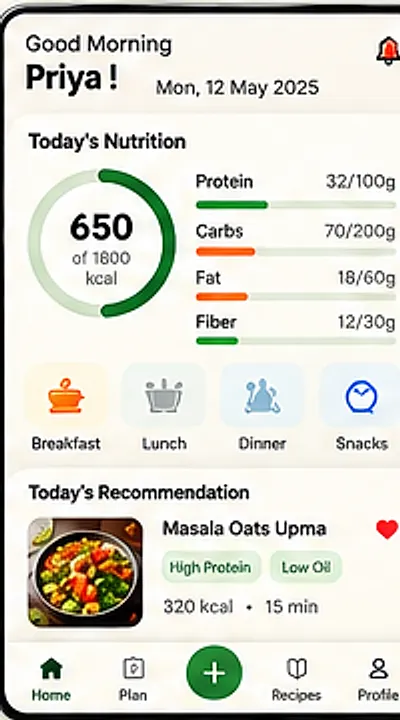
The same dashboard
Today's calories against your target, with protein, carbs, fat and fibre — the view you check before deciding dinner.
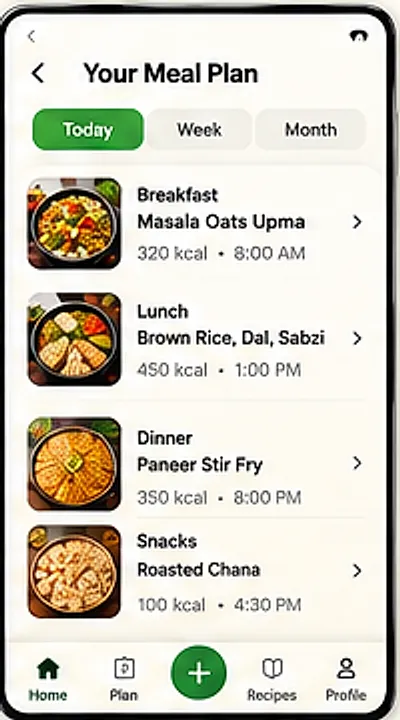
Your meal plan on a big screen
Planning the week is easier with room to see it, which is where a browser genuinely beats a phone.
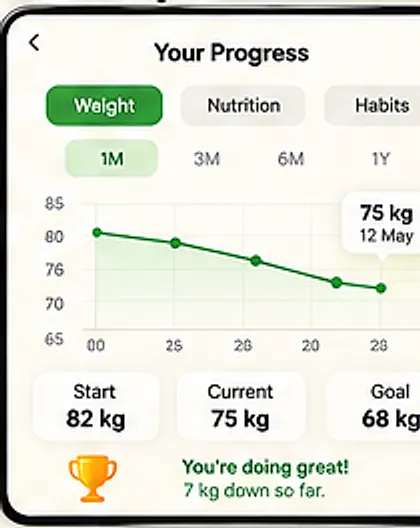
Progress with context
Weight, nutrition and habit history over 1M, 3M, 6M and 1Y ranges.
One account, one set of data
The browser and the Android app are the same experience over the same account — not two products to keep in sync by hand.
What you are getting
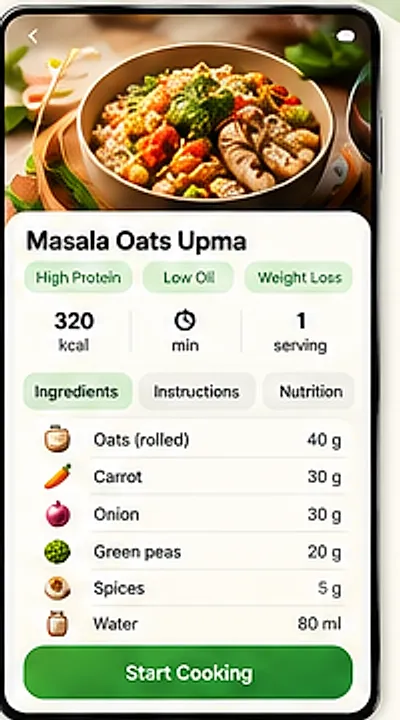
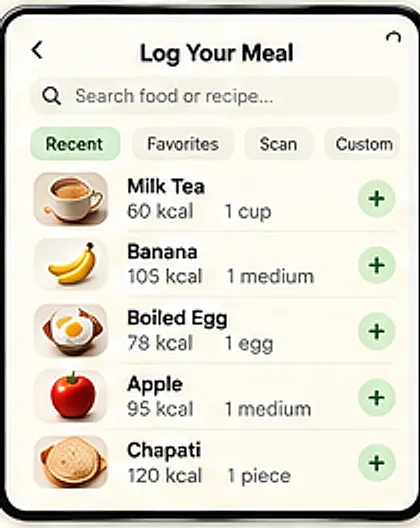
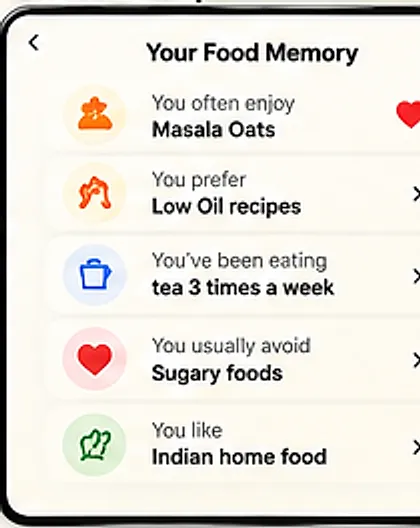
These are app screens — the web build will mirror them
HealThaali has not published web screenshots yet, so rather than mock up a fake browser window, here are the real screens the web experience is being built from.
Status
How to know when it goes live
Android
The primary companion app. Its store link appears site-wide the moment the listing is published.
Web
In development. This page and the header button both flip to live links automatically.
Announcements
Recipe videos and product updates are posted on YouTube and Instagram as @healthaali.
Your data
One account across screens. What is stored, and how to delete it, is set out in the privacy policy.
HealThaali does not claim offline mode, installable PWA features or push notifications on the web until they genuinely ship.
No install required — when it is ready
Until then, the Android app carries the full experience: plan, log, scan, cook and track.
HealThaali is in active development. Links go live the moment the app is published — until then these buttons are switched off on purpose rather than pointing at a placeholder.